Use a medical equipment photo checklist to review the offered unit, accessories, visible condition and missing evidence before requesting a quotation.
A clear photograph can answer a purchasing question; a collection of attractive images can still leave the important details unresolved. This medical equipment photo checklist helps buyers ask for an organised view of a particular used unit and its proposed accessories. It also gives sellers a practical way to prepare an enquiry pack without confusing product presentation with technical evidence. Use the photographs alongside a written configuration list and the available records. They support questions about identity, scope and visible condition, but they do not establish performance, suitability, certification or readiness for clinical use.
Start with the offered unit, not a catalogue image
Ask whether each image shows the actual equipment being quoted, another unit of the same model or an illustration. Keep those categories distinct in your comparison. A catalogue photograph can help explain a product family, but it should not stand in for current pictures of the offered unit. Request an overall view with a simple enquiry reference beside the equipment where practical. Record who provided the images and when they were supplied. A dated note helps organise the pack; it is not independent proof of ownership or an assessment of condition. If the proposed unit changes, ask for a new, clearly identified set.
Connect the images to the written identification
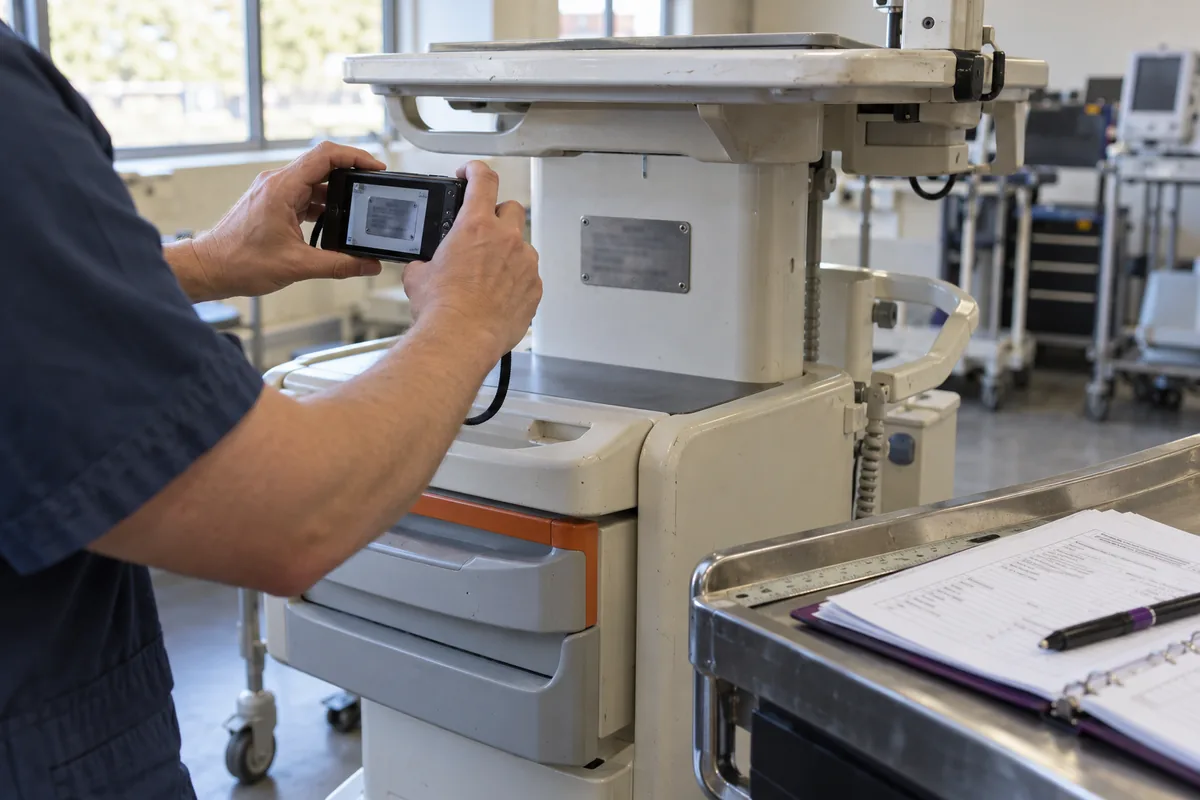
Request a readable view of the equipment identification label where it can be photographed safely, together with an overall image showing where that label is located. Ask the supplier to transcribe the relevant model and identifier into the quotation so the purchasing team is not relying on an enlarged, blurred image. Keep the identifier consistent across the quotation, photographs and available records. If something is obscured or unreadable, mark it as an open question instead of guessing a character. Do not ask someone to remove covers or disturb equipment solely to find a label. Sensitive identifiers can be shared through the agreed private channel rather than a public listing.
Use wide views before close-up details
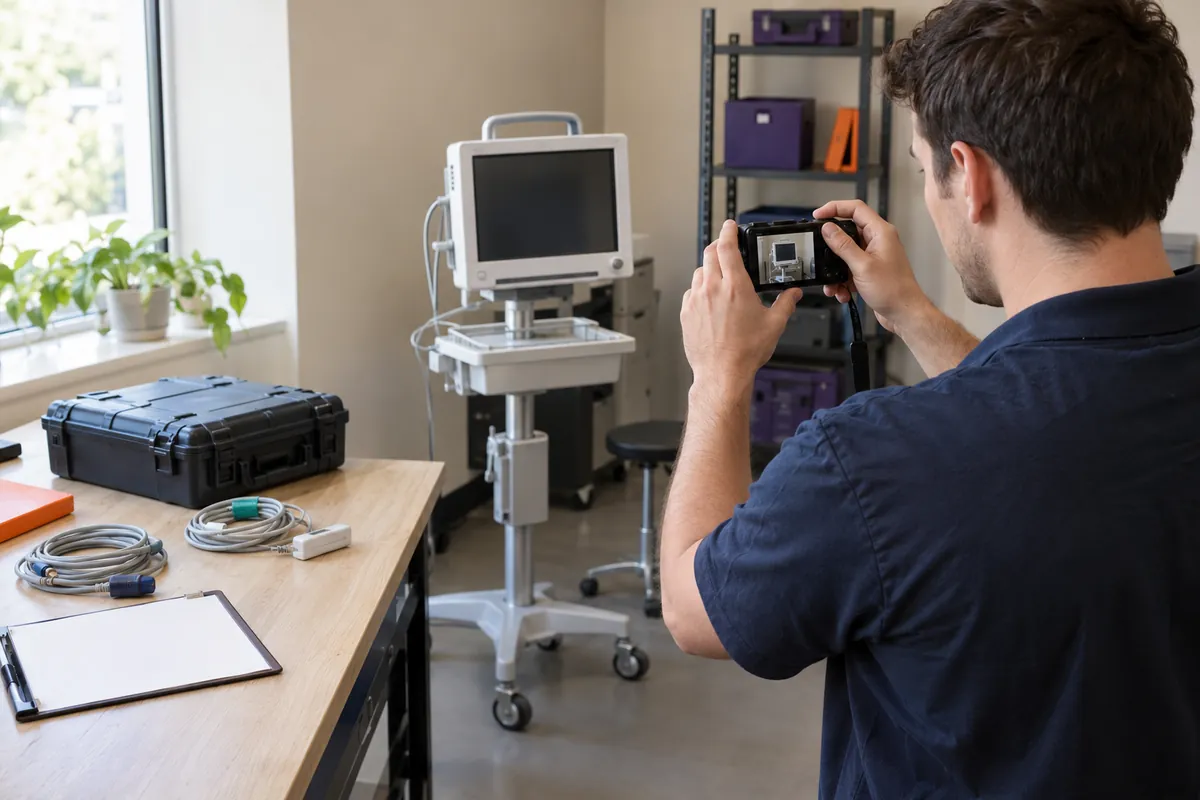
An overall view makes close-ups easier to interpret. Ask for the front, rear and accessible sides of the unit, plus its stand or trolley if included. Keep the complete equipment within the frame and leave enough background to understand what is connected to it. Photograph the device in a tidy, well-lit area without trying to make wear disappear. A close-up of one connector is much more useful when a second image shows its position on the equipment. If an angle cannot be obtained safely, say so. A clear explanation of a missing view is better than an image that appears to show a part but actually belongs to another unit.
Lay out accessories against the quotation list
Ask for included accessories to be shown separately and matched to named lines in the offer. For example, a fictional monitor package might list the display, mounting arrangement, power accessories and several separately identified cables. The picture should help a buyer count and recognise those items, not imply that every object in the room is included. Label optional items as optional in the accompanying file list. Keep borrowed demonstration accessories out of the offered-package photograph, or explain their status explicitly. Pictures alone cannot confirm that an accessory is compatible, licensed or suitable for the intended use; those questions belong in the technical review.
Show visible wear without making a diagnosis
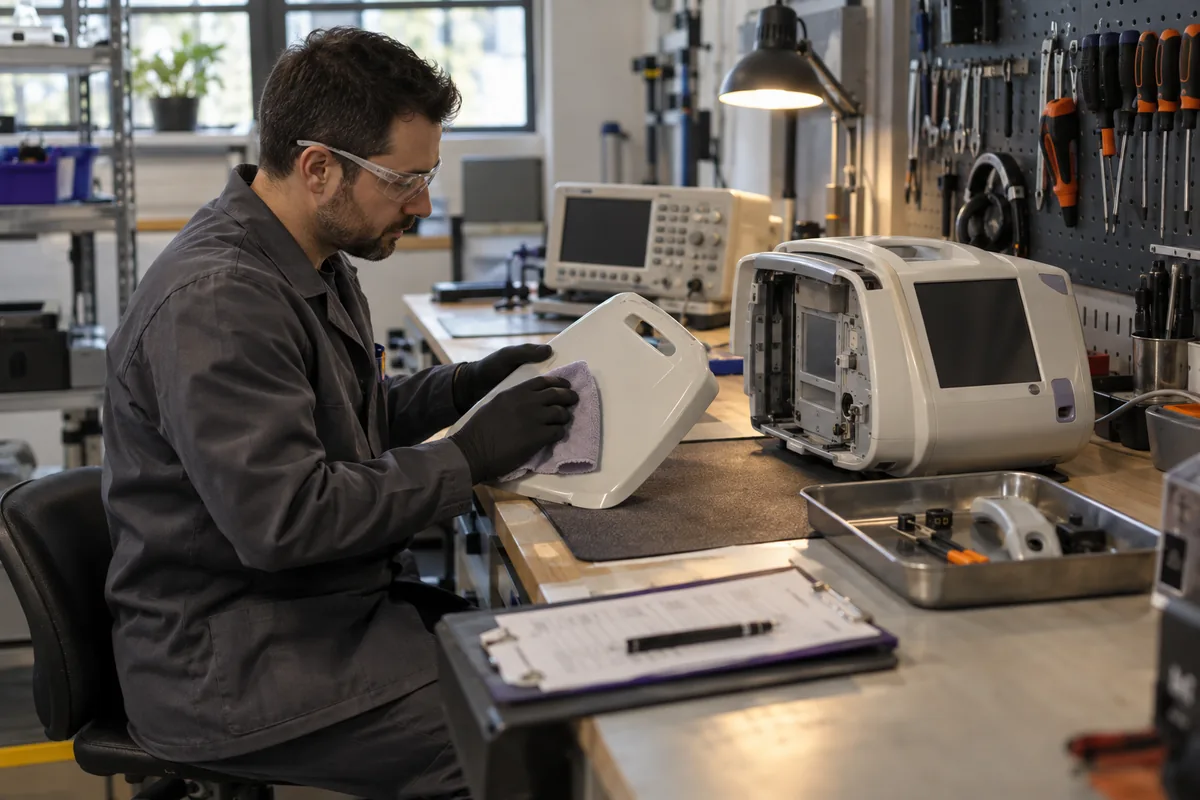
Request both a context image and a close-up for visible scratches, damaged housings, missing knobs, worn cables or other disclosed concerns. Ask the supplier to describe what is visible and what remains unassessed. Avoid inferring the cause or severity of a mark from a photograph alone. For example, an image of a worn cable should prompt a question about the assessment and proposed replacement scope, not a remote declaration that it is safe or unsafe to use. Keep any condition report separate from the image caption and ask which unit and components it covers. Honest presentation makes a subsequent review more useful than cosmetic editing does.
Treat screen photographs and videos as limited evidence
A lit display or short video does not replace an agreed technical assessment. If the supplier provides screen images, ask what they are intended to demonstrate and whether they relate to the exact unit and configuration being offered. Keep any explanation alongside the file so a screenshot does not circulate without context. Do not request patient information, confidential network details or credentials. Equipment should only be operated by appropriately authorised personnel under the relevant procedures; the purchasing team should not invent a test sequence for the sake of a photograph. Missing technical evidence should remain a question for the responsible reviewer, not be filled in by assumptions about an attractive screen.
Keep a useful file index and preserve the originals
Choose simple names that connect the enquiry, item and view, such as enquiry-A12-main-unit-front or enquiry-A12-accessory-03. These are organisational examples, not a required naming standard. Add a short index that states what each file shows, whether the item is included and which questions remain. Preserve the original files alongside any smaller copies prepared for sharing. Basic resizing for convenience should not remove useful detail or conceal a defect. Do not use generated or retouched images as condition evidence. A clearly labelled editorial illustration can explain a guide, but it must stay separate from the photographs used to describe actual inventory.
Review the pack for missing answers
Give one reviewer responsibility for checking the image index against the requested configuration. A simple status for each item can be enough: received, unclear, missing or awaiting technical review. For example, if three accessories are listed but only two can be identified in the images, ask for clarification rather than assuming the third is inside a closed case. Record the question, the supplier response and any replacement file. Keep superseded images available for the audit trail while marking the current set clearly. This helps the buyer avoid combining photographs from several offer revisions into an apparently complete package that no supplier actually proposed.
Turn the photo pack into a clearer enquiry
Send the relevant photographs with the requested equipment category, written configuration, preferred condition and intended delivery scope. Tell the supplier which details you want clarified instead of sending a large folder without explanation. For beIN Meditech enquiries, the goal is a defined equipment request and a list of open questions, not an approval based only on appearance. Confirm the actual unit, accessories, available records and commercial scope in the quotation. Keep technical suitability and acceptance with the responsible people at the receiving facility, and retain the agreed evidence pack with the final version of the offer.
Enquiry checklist
- Confirm that photographs show the actual offered unit
- Match identification to the quotation and available records
- Request overall views and contextual close-ups
- Identify included, optional and excluded accessories
- Show disclosed wear without concealing it
- Exclude patient information and confidential system details
- Keep originals, a file index and outstanding questions
- Review photographs alongside qualified technical evidence
From reading to the right equipment
Explore the equipment in this guide or discuss your requirements with our team.