
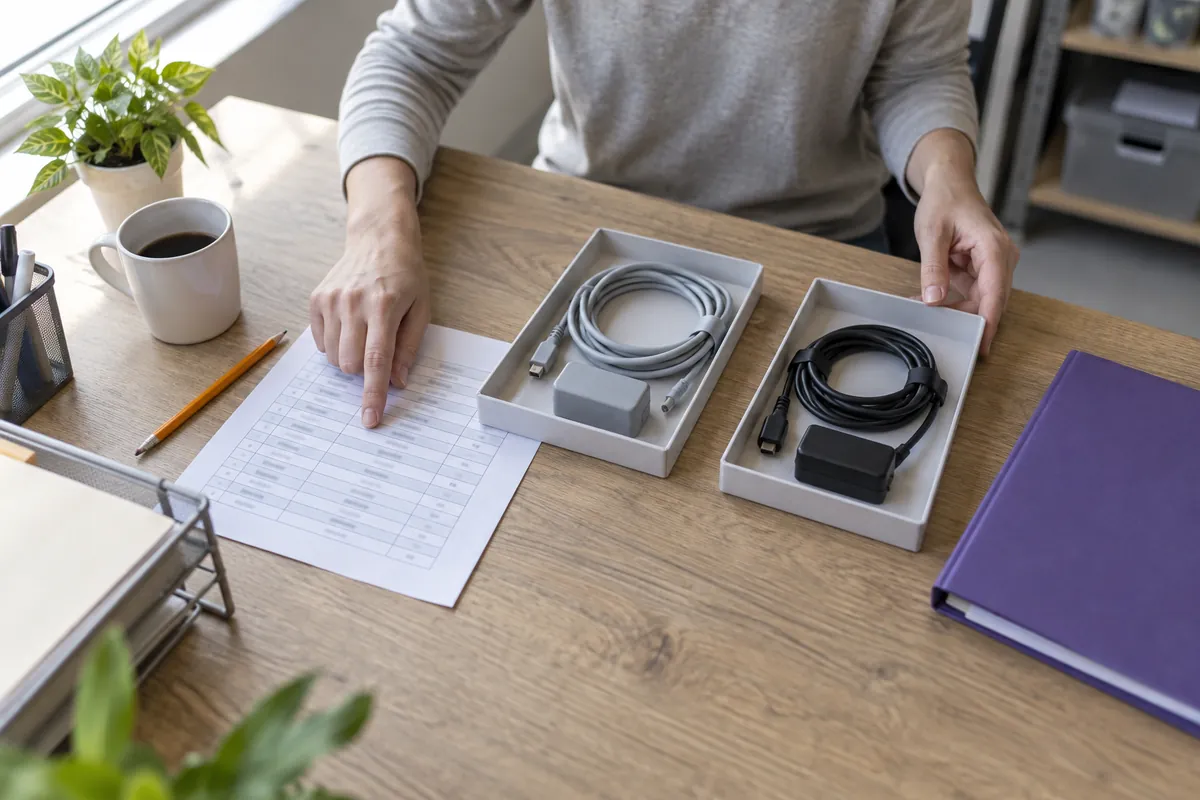
Keep model substitutions, accessory changes and quotation revisions visible with a practical equipment configuration log and final scope check.
A medical equipment enquiry can change several times before an order is agreed. A supplier proposes another unit, an accessory becomes unavailable, or the buyer adds a requirement after a department review. Each change may be reasonable, but a chain of emails can leave different people working from different versions of the package. A configuration revision log gives those decisions one organised home. It connects the original request, proposed changes, supporting evidence and final agreed scope without pretending that purchasing approval replaces technical review. This guide explains a simple way to maintain that record, using a spreadsheet or shared document rather than a complicated new system.
Create a baseline before recording changes
Start with a dated component list linked to one enquiry and one quotation revision. Give each meaningful item a stable reference, such as main-unit-01 or accessory-02. Record the model or item code supplied, quantity, included options, condition description and any open questions. Keep separate references for the offered unit and its accessories; a product family name is not a complete package description. Mark unavailable details as awaiting confirmation rather than filling them from a brochure. Save the original document without overwriting it. The baseline is your comparison point, not a declaration that the package has been accepted. If several quotations are being considered, maintain a distinct baseline for each offer so their changes do not become mixed together.
Use one row for each proposed change
A useful log row identifies the change number, date received, affected item, previous description, proposed description, reason, supporting document and person responsible for the next action. Add fields for review status, decision date and the quotation revision that incorporates the outcome. Write a specific difference: an accessory removed, a quantity changed or a different unit proposed. Avoid entries such as package updated, which force the reader to search several attachments to understand the issue. Where one email proposes unrelated changes, split them into separate rows. The team may accept one and reject another. Keep an original email or document reference alongside each row, while restricting access to confidential commercial or personal information as appropriate.
Separate a proposal from a reviewed decision
Use clear statuses such as proposed, information requested, under review, accepted, rejected and withdrawn. These are suggested working labels, not a certification system. Identify who reviews the technical question and who approves the commercial change within your organisation. A purchasing coordinator can keep the records complete but should not infer compatibility or clinical suitability from matching names or connector photographs. Ask the responsible reviewer which documents are needed and record unresolved points in plain language. Silence, an informal acknowledgement or a supplier description should not automatically move a row to accepted. When a decision is made, retain its scope: acceptance of one replacement accessory does not approve a different main unit or unrelated option.
Connect each change to its evidence and consequences
A proposed substitution may require revised photographs, identification details, configuration records or other information requested by the responsible reviewer. Store those files against the affected row, with their dates and the unit they describe. Make older evidence visibly superseded rather than presenting it as current. Then ask whether the change also affects packing, delivery timing, support scope, included services or the quotation total. Record a confirmed effect separately from an unresolved question. Do not assume that unchanged pricing means unchanged scope, or that a different item is equivalent because the supplier calls it an alternative. A short consequence list helps other departments see why their review may be needed before the change can be closed.
Follow a fictional accessory substitution through the log
Imagine an illustrative enquiry for a generic system with accessory A included. The supplier later proposes accessory B and sends a revised package list. Record this as change C-01, with accessory A as the previous line and accessory B as the proposed line. At first, its status is proposed, not accepted. The designated reviewer requests further identification and documentation, so the row becomes information requested. After that review, the buyer might reject the change and ask for the original package, or accept a specifically described alternative. Either outcome should name the decision owner and the supporting reference. This example describes record keeping only; it makes no claim that any real accessories are interchangeable, available or suitable for a particular device.
Reconcile the log with the next quotation
An accepted change is not finished simply because the log says accepted. Check the next quotation and component schedule to see whether the agreed wording, quantity and commercial effects appear correctly. Record the document number and revision that implement the decision. If they do not match, keep a reconciliation issue open rather than quietly editing the log to fit the supplier document. A withdrawn or rejected proposal should not reappear in the final package by accident. Share a concise list of the accepted changes and remaining questions with the people who need it. Keep the full history available, but make the current position easy to read so the supplier and buyer are not asked to reconstruct it from every earlier message.
Freeze a clear scope, not an irreversible history
Before an order is approved, compare the final quotation, agreed component list and decision log together. Confirm that every open row has a named owner and an explicit outcome, including any item deliberately left pending under the agreed process. Retain a dated snapshot of the approved package and the documents supporting it. Do not delete earlier revisions: they explain how the current scope was reached. If a later change is proposed, open a new row and follow the review process again rather than silently replacing the approved snapshot. Make the changed scope visible to the people arranging packing, receiving and technical handover. Their copies should point to the same current revision, with earlier versions clearly identified as historical.
Keep the next enquiry easier to manage
The best revision log is short enough to use and precise enough to explain a decision later. Stable item references, explicit statuses, named reviewers and links to the current quotation are more useful than a large spreadsheet full of vague notes. Use the quotation comparison guide to establish the baseline, the photo checklist to organise requested evidence and the receiving-site guide when an accepted change affects delivery planning. When requesting a quotation from beIN Meditech, share your current component list and any unresolved substitutions so the enquiry can address the scope you actually need. Final technical and commercial decisions remain with the responsible reviewers and the agreed purchasing process.
Enquiry checklist
- Dated baseline linked to the enquiry and quotation
- Stable item references and explicit unknowns
- Separate rows for independent proposed changes
- Previous and proposed descriptions with supporting evidence
- Named technical reviewers and commercial decision owners
- Clear status, decision date and review limitations
- Recorded effects on scope, timing and services
- Accepted changes reconciled with the quotation revision
- Retained final scope snapshot and superseded history
From reading to the right equipment
Explore the equipment in this guide or discuss your requirements with our team.