Prepare a patient-monitor specification covering required measurements, modules, accessories, mounting and existing-system connections.
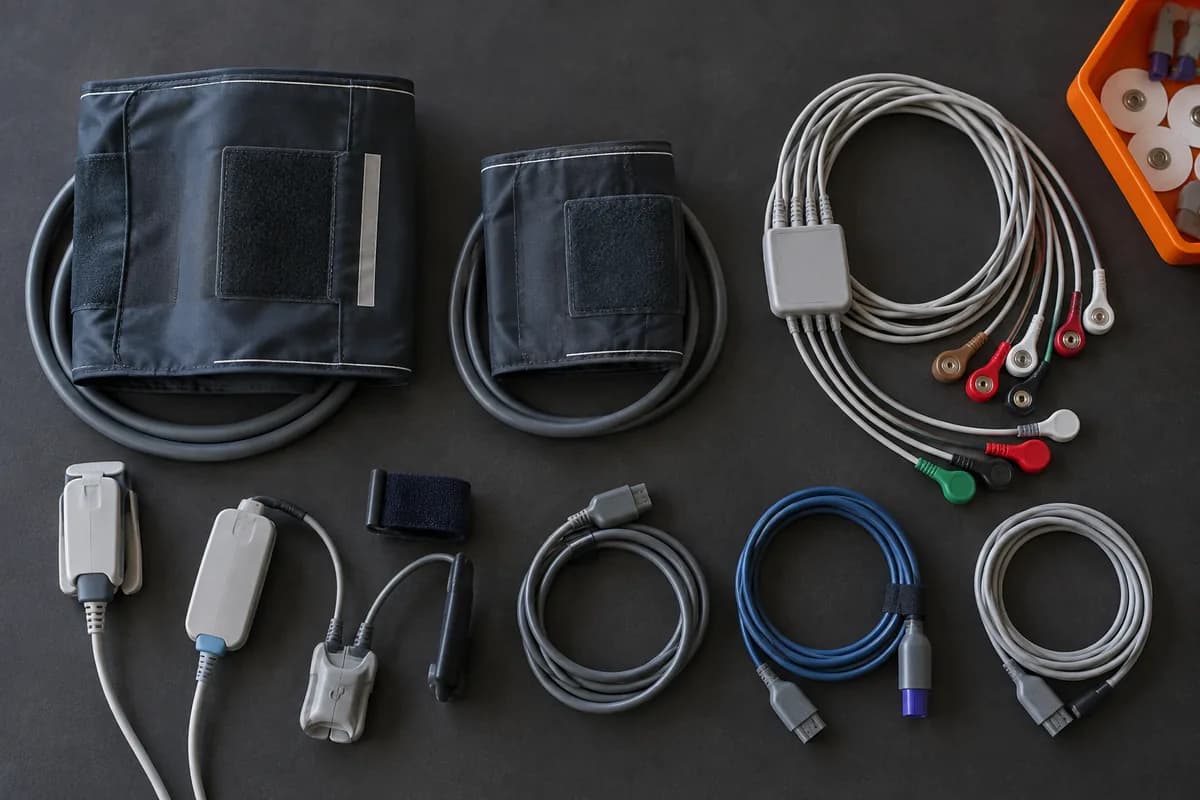
A patient monitor should be compared as a configured package. The display name alone does not show which measurement modules, accessories or connections are included. A clear enquiry makes those choices visible to the supplier and reviewing team.
Specify measurements and patient population
Ask the clinical team to identify the required measurements and intended patient groups. Pass those requirements to the supplier without substituting a generic accessory set. Record which parts are included and which depend on a particular module or configuration that still needs confirmation.
List mounting and power requirements
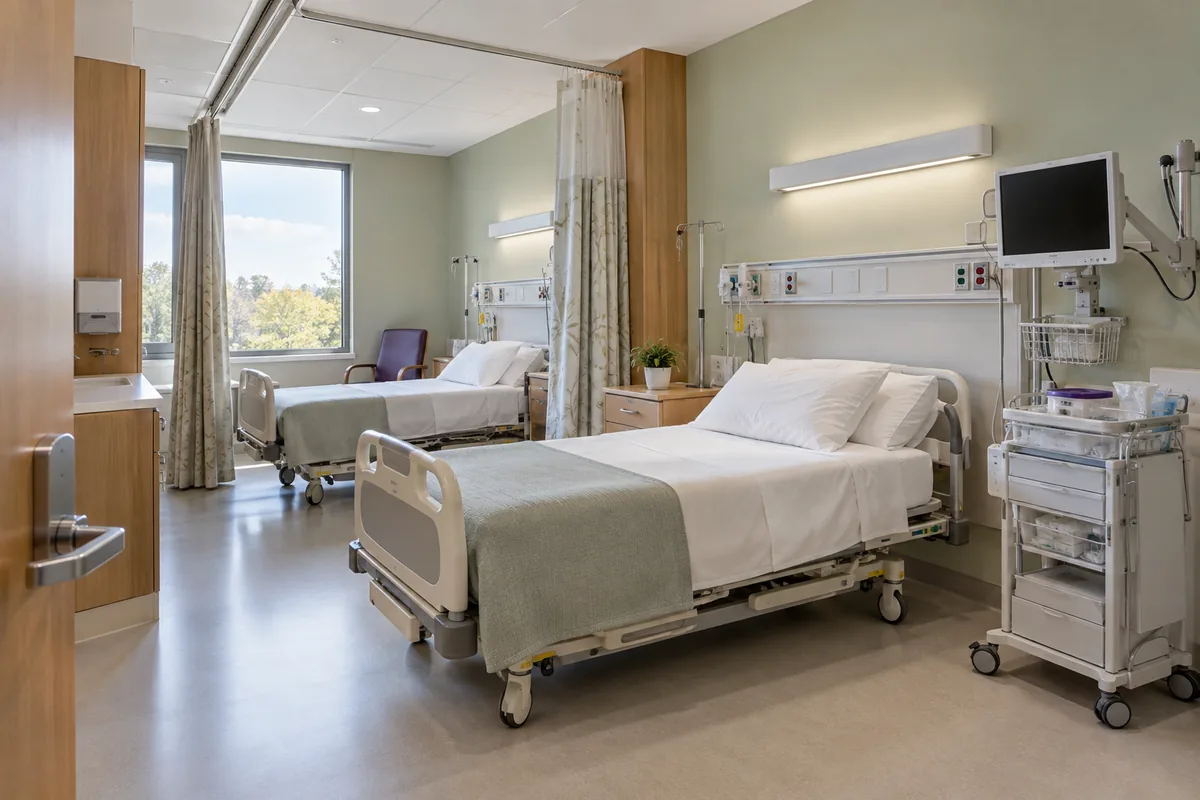
Describe the intended installation and whether the equipment will move between locations. Request the appropriate mounting, power and accessory scope for technical review. Existing mounts or accessories should be identified by their actual codes rather than described only by appearance.
Review standalone and connected operation
State whether a central station or other system connection is required. Ask the facility IT and biomedical teams to review the proposed arrangement, relevant versions and any additional licenses. Keep the acceptance criteria and responsibilities in the order so connectivity is a defined part of the purchase when it is required.
Enquiry checklist
- Required measurements and patient groups
- Modules, sensors, cuffs and cables
- Mounting and power scope
- Connectivity and technical acceptance
From reading to the right equipment
Explore the equipment in this guide or discuss your requirements with our team.