
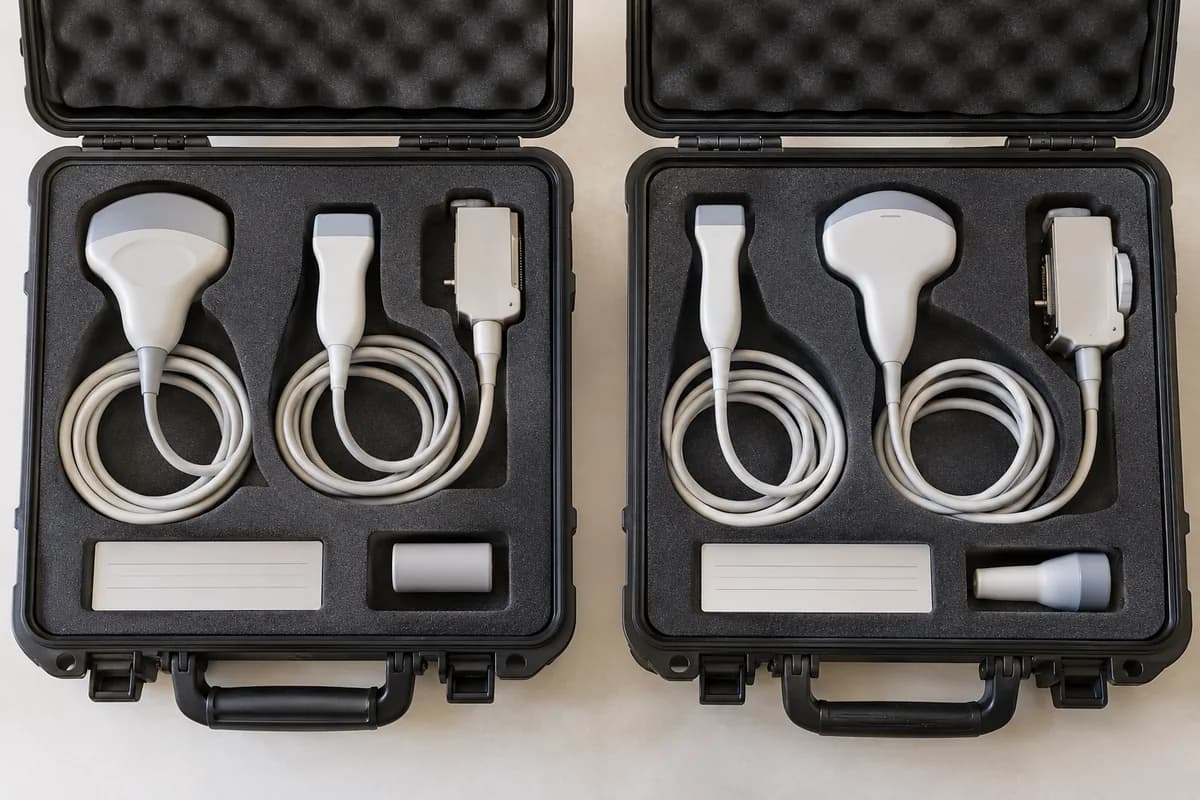
Compare ultrasound offers using probe identity, compatibility evidence, included quantities and condition records rather than probe count alone.
Two offers that both include three probes can describe very different packages. Compare exact identities and the examinations they are intended to support, then connect each probe to the proposed console and its installed options.
Create a line for every probe
Record the manufacturer code, quantity, identifier if available and intended role. Keep the required probe list beside the offered list so omissions and substitutions are obvious. A generic description such as linear or convex is a starting point for clarification, not a complete commercial specification.
Request compatibility confirmation
Ask the supplier to confirm the combination of console, software and transducer using the relevant product documentation. If your facility owns existing probes, provide their full identification rather than expecting compatibility from the manufacturer name alone. Record which party will resolve any outstanding technical question.
Compare the evidence and commercial terms
Ask what condition assessment information is available for each probe and whether replacement or additional work is included. Record exclusions and the agreed process if a discrepancy is found at acceptance. Compare the package only after those details have been made consistent across offers; a lower total may simply contain a different scope.
Enquiry checklist
- Exact transducer codes
- Console and software compatibility confirmation
- Condition evidence for each included probe
- Written treatment of substitutions and exclusions
From reading to the right equipment
Explore the equipment in this guide or discuss your requirements with our team.